
Revitalize Your Mobile Experience: Mastering Battery Longevity in the Digital Age
Harnessing Technology for Enhanced Longevity
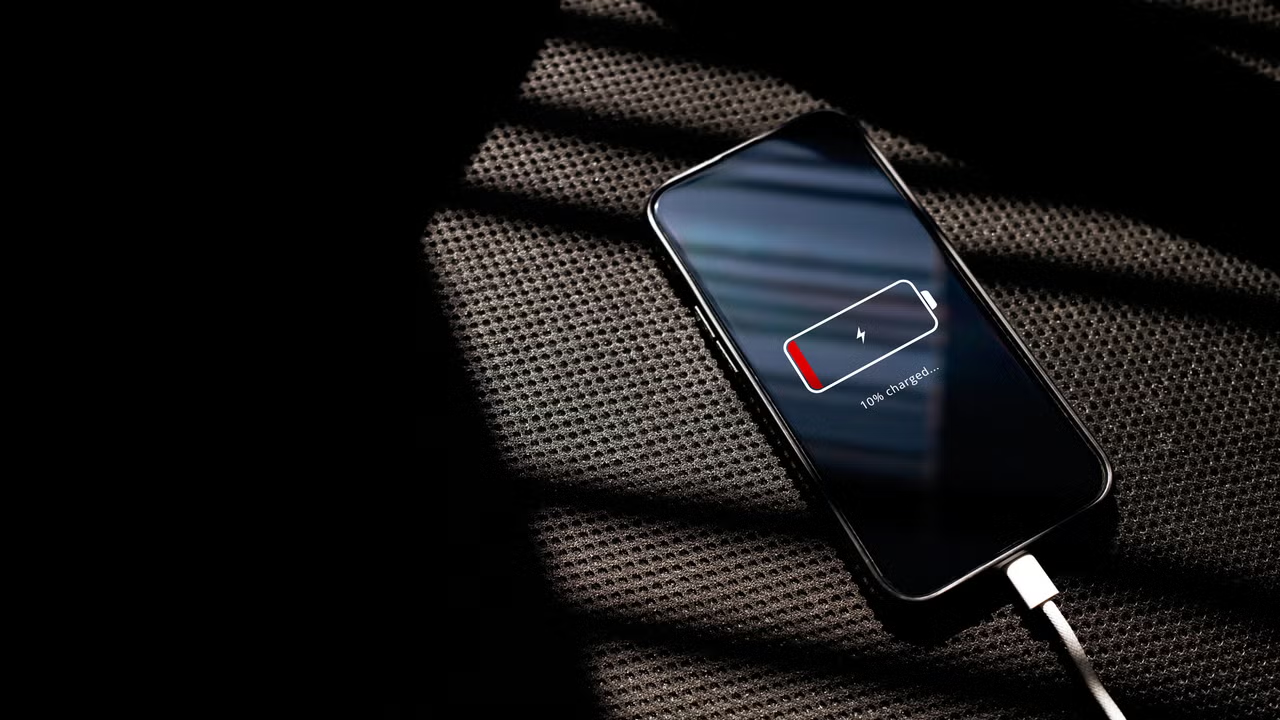
In an era dominated by technology, our smartphones have become indispensable companions. Yet, the modern device’s battery life often leaves much to be desired, frequently succumbing to the demands of numerous background services. As we navigate our daily lives in dynamic environments, particularly in a bustling city like Miami, the last thing we want is to be tethered to a charger. Fortunately, with just a few thoughtful software tweaks, you can extend your device’s battery life significantly—potentially by up to 30%—while maintaining full functionality.
Streamlining Background Activity
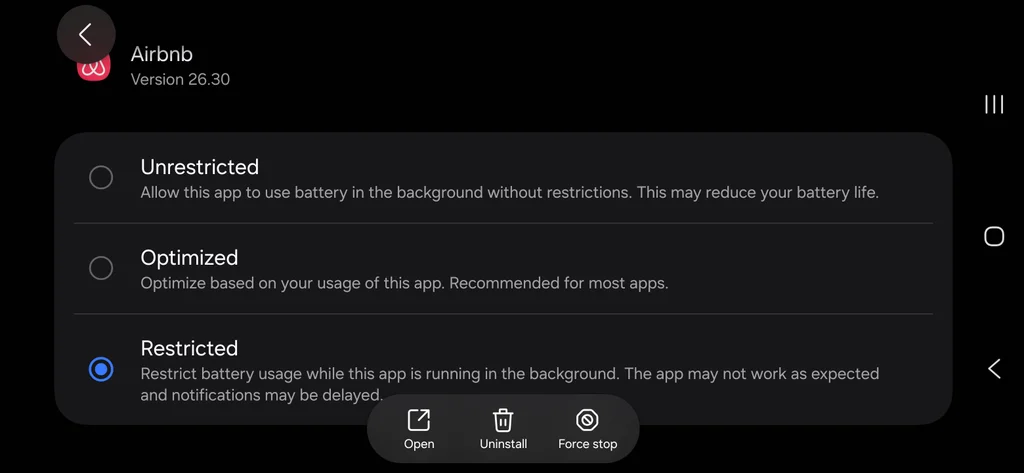
Many of us assume that enabling Background App Refresh enhances our smartphone experience. However, this feature often allows applications to consume battery life unnecessarily. For those using iOS, simply navigate to Settings > General > Background App Refresh, and adjust it to either Wi-Fi Only or disable it entirely for non-essential applications. Android users can achieve a similar outcome by accessing Settings > Apps, selecting individual applications, and restricting their background activity. This small change can lead to a substantial improvement in battery performance.
Reassessing Location Services
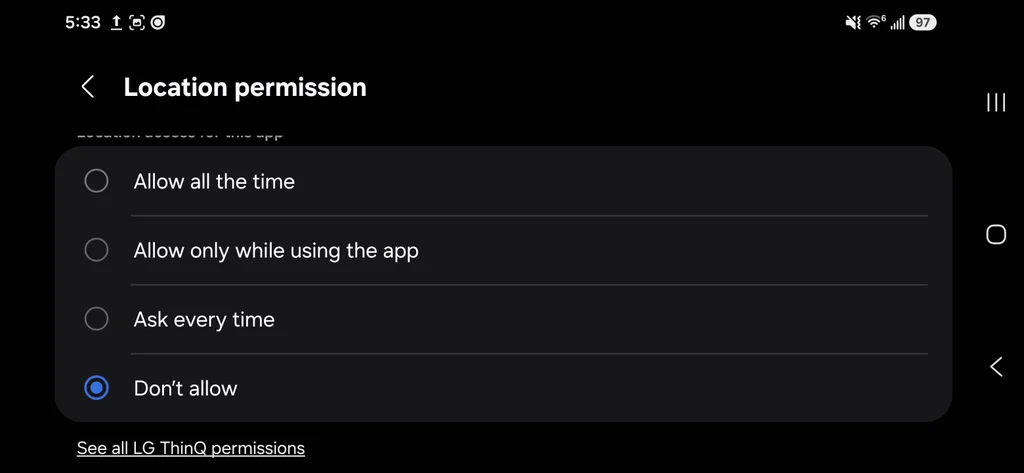
GPS technology, while invaluable, can prove to be one of the most voracious consumers of battery life. Many apps don’t require constant access to your precise location. By revisiting your location permissions, you can significantly reduce battery drain. On iOS, head to Privacy & Security > Location Services, and adjust settings for apps that do not necessitate continuous tracking. Android users can similarly restrict permissions through Settings > Location > App Permissions. Consider limiting apps like weather or shopping tools to only access your location while in use, thereby preserving energy.
Optimizing Display Settings
The screen is often the most significant drain on your device’s battery. However, adjusting display settings can yield remarkable results without compromising usability. For devices featuring OLED screens, enabling dark mode can save power by turning off pixels when displaying black. iOS users can activate this by going to Settings > Display & Brightness and selecting Dark, while Android users can find this option under Settings > Display.
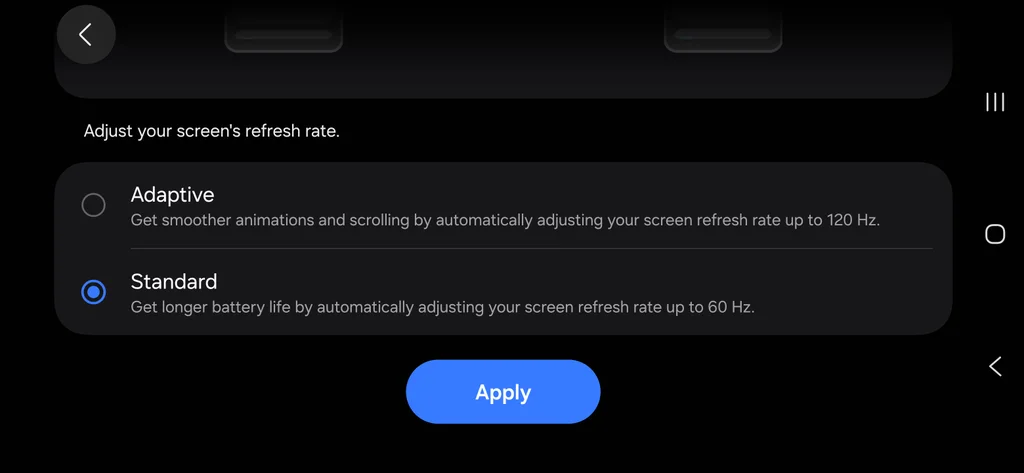
Additionally, consider disabling features like Always-On Display, which can consume one to two percent of battery life per hour, and cap high refresh rate displays to 60Hz to extend battery life. This adjustment can be particularly beneficial during long outings in Miami, where you want your device to last throughout the day.
Rethinking Connectivity Options
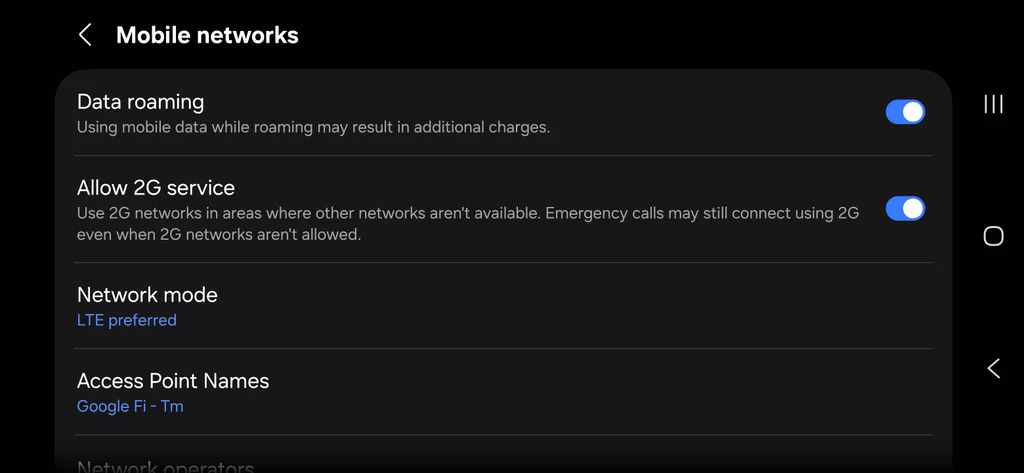
As 5G technology continues to proliferate, it’s vital to understand its impact on battery consumption. The power demands of 5G radios can lead to rapid depletion of battery life, especially in areas with fluctuating coverage. To mitigate this, iPhone users can adjust their settings under Settings > Cellular > Cellular Data Options to enable 5G Auto or switch to LTE in weak signal zones. Android users can similarly lock their devices to LTE by navigating to Settings > Network & Internet and altering their preferred network type.
Moreover, in areas where cellular signals are weak, such as during travels or in certain buildings, manually activating Airplane Mode can prevent your phone from continuously searching for a signal, which can drain battery life significantly.
Embracing a Sustainable Digital Lifestyle
As Miami continues to thrive as a hub for innovation and lifestyle, adopting these practices not only enhances the longevity of our devices but also contributes to a more sustainable way of living. By being proactive in managing our smartphone usage, we can enjoy the benefits of technology without the constant worry of battery depletion. In doing so, we ensure that our devices remain as dynamic as our vibrant city, ready to capture every moment and support our active lives.
Editorial note: This article was created by A Bit Lavish Miami’s Magazine as an original editorial reinterpretation based on publicly available reporting. Original source: fastcompany.com. Read the original article here: https://www.fastcompany.com/91581492/save-phone-battery-life-iphone-android.
Images are used for editorial reference with source credit. If an image requires correction or removal, please contact A Bit Lavish.









Harnessing AI Notetakers: Elevating Meeting Dynamics in Miami’s Business Landscape
Explore how AI notetakers can transform meetings into productive and insightful sessions,...
 3 Mins read

Celebrate National Rum Day: A Toast to Tradition and Innovation
Explore the rich history of rum, its evolution, and how Miami's vibrant...
2 Mins read

Unveiling the Mysteries of Functional Neurological Disorder: A New Era of Understanding
Explore the complexities of Functional Neurological Disorder, a condition often misunderstood and...
3 Mins read



The Holiday Hoarding Crisis: A Call to Action for Modern Leaders
Explore the growing trend of holiday hoarding in the workplace and how...
2 Mins read

Leave a comment