
Elevating Your MacBook Experience: Mastering Battery Management
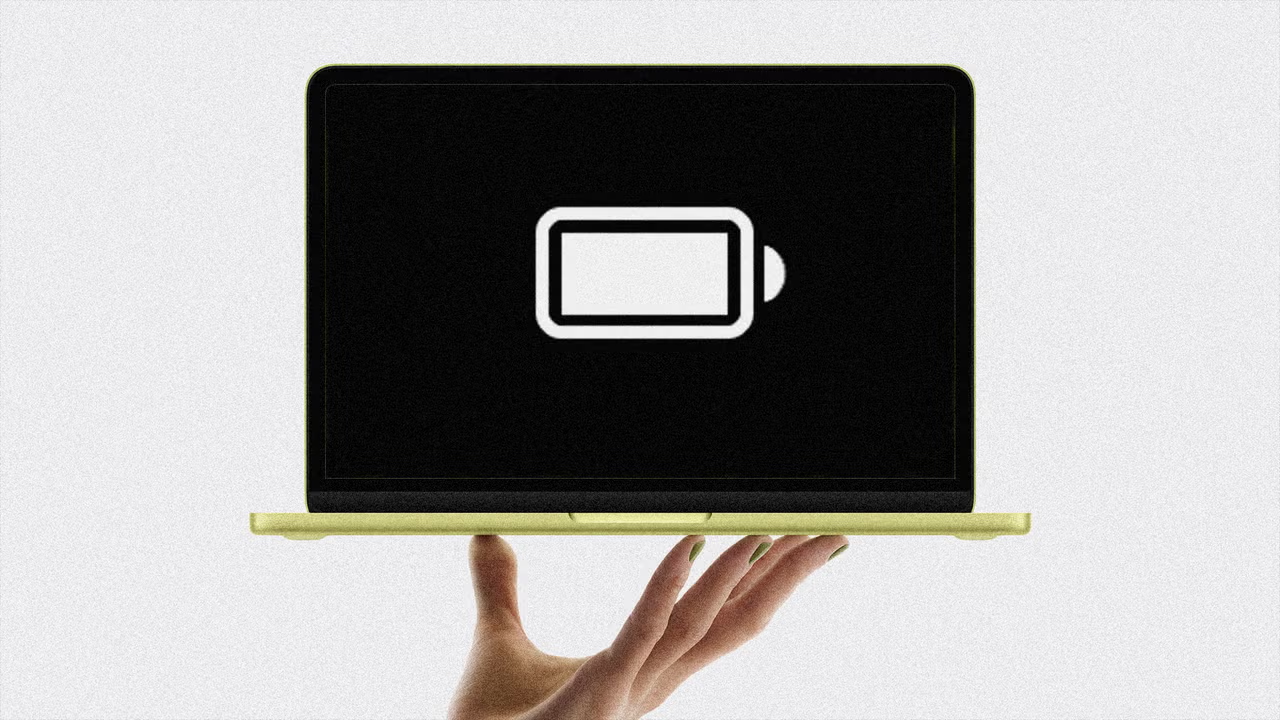
The Evolution of Battery Management
As technology continues to evolve, so too do the needs and expectations of users. Apple, a powerhouse in innovation, has not only focused on enhancing the performance of its devices but has also prioritized user experience by introducing sophisticated battery management features for its MacBook line. With macOS 26, Apple has rolled out a suite of tools designed to maximize battery life, catering to both the power user and the casual consumer. In a city like Miami, where the fast-paced lifestyle often demands portable solutions, understanding these features can transform how you interact with your MacBook.
Harnessing Low Power Mode
Imagine a scenario where you’re deeply engrossed in work, only to realize that your MacBook’s battery is dwindling. Activating Low Power Mode becomes an invaluable ally in such moments. This feature automatically reduces energy consumption by adjusting CPU performance, dimming the display, and curtailing background tasks. Contrary to common concerns, the impact on performance is negligible for standard tasks like email or web browsing. To activate, simply click on the battery icon in your menu bar and select ‘Low Power.’ For those who prefer seamless efficiency, consider setting it to always be on in the Battery section of your settings.
Rethinking Charge Capacity
It may seem counterintuitive, but limiting your MacBook’s maximum charge can extend its lifespan. Lithium-ion batteries naturally degrade over time, diminishing their ability to hold a charge. By implementing the ‘Charge Limit’ feature, users can slow this degradation process. Setting your charging limit between 80% to 100% minimizes heat exposure, which is a key factor in battery health. Navigate to the Battery settings, click the ‘I’ button next to ‘Charging,’ and adjust the slider to your desired capacity. For Miami-based professionals who rely on their MacBooks for extended periods, this practice not only preserves battery life but also enhances overall performance longevity.
Optimized Charging for Smart Living
In a world where every moment counts, Apple’s ‘Optimized Battery Charging’ feature is a game-changer. This intelligent system utilizes machine learning to adapt to your charging habits, ensuring your MacBook reaches 100% just when you need it. Instead of keeping the battery at full capacity unnecessarily, it charges to 80% and holds there until it anticipates your next use. This feature not only prolongs battery lifespan but also harmonizes with the busy lifestyle one might find in a vibrant city like Miami. Activate this feature through your Battery settings to start reaping the benefits of smart technology.
The Importance of Choosing the Right Charger
In the hustle and bustle of daily life, it’s easy to overlook the importance of using the right charger. A subpar charger can lead to frustratingly slow charging times, leaving you tethered to an outlet longer than necessary. Fortunately, your MacBook can inform you if it’s connected to a slow charger. By checking the Battery section in your settings, you can see if a “Slow Charger” is in use. Upgrading to an appropriate charger that meets your device’s wattage requirements can drastically reduce charging time. For Miami’s dynamic professionals, this means more time spent on what truly matters, rather than waiting for devices to power up.
Embracing a Sustainable Future
As we navigate an increasingly digital world, embracing sustainable practices with our technology becomes essential. By adopting these battery management strategies, MacBook users can not only extend the life of their devices but also contribute to a larger narrative of sustainability. With Miami’s rich culture and commitment to innovation, residents have the opportunity to lead by example, showcasing how conscious technology use can enhance personal productivity while respecting the environment.
Editorial note: This article was created by A Bit Lavish Miami’s Magazine as an original editorial reinterpretation based on publicly available reporting. Original source: fastcompany.com. Read the original article here: https://www.fastcompany.com/91532797/4-battery-charging-tips-keep-your-apple-macbook-running-longer-than-ever-charger-low-power-mode-optimized.
Images are used for editorial reference with source credit. If an image requires correction or removal, please contact A Bit Lavish.










Navigating the Crossroads: Is Your Next Promotion Truly Right for You?
Explore the complexities of career advancement and the importance of aligning promotions...
 3 Mins read

The Future of Gifting: Babylist’s Innovative Leap into Financial Literacy
Explore how Babylist is transforming the landscape of gifting and financial planning...
3 Mins read

Embracing the Soft Off Day: A New Paradigm for Remote Work in Miami
Exploring the concept of soft off days in remote work, their implications...
 ABL2 Mins read



The Legal Crossroads of AI: CNN’s Bold Stand Against Content Theft
CNN sues Perplexity AI for allegedly appropriating over 17,000 pieces of content...
ABL3 Mins read

Leave a comment